
Navigating the 13 and 14-Hour Rules
How many hours can a commercial truck driver drive? To manage your available time legally, you have to watch multiple different clocks at once. The biggest mistake new drivers make is confusing their actual driving time with their total allowed workday and elapsed shift time.
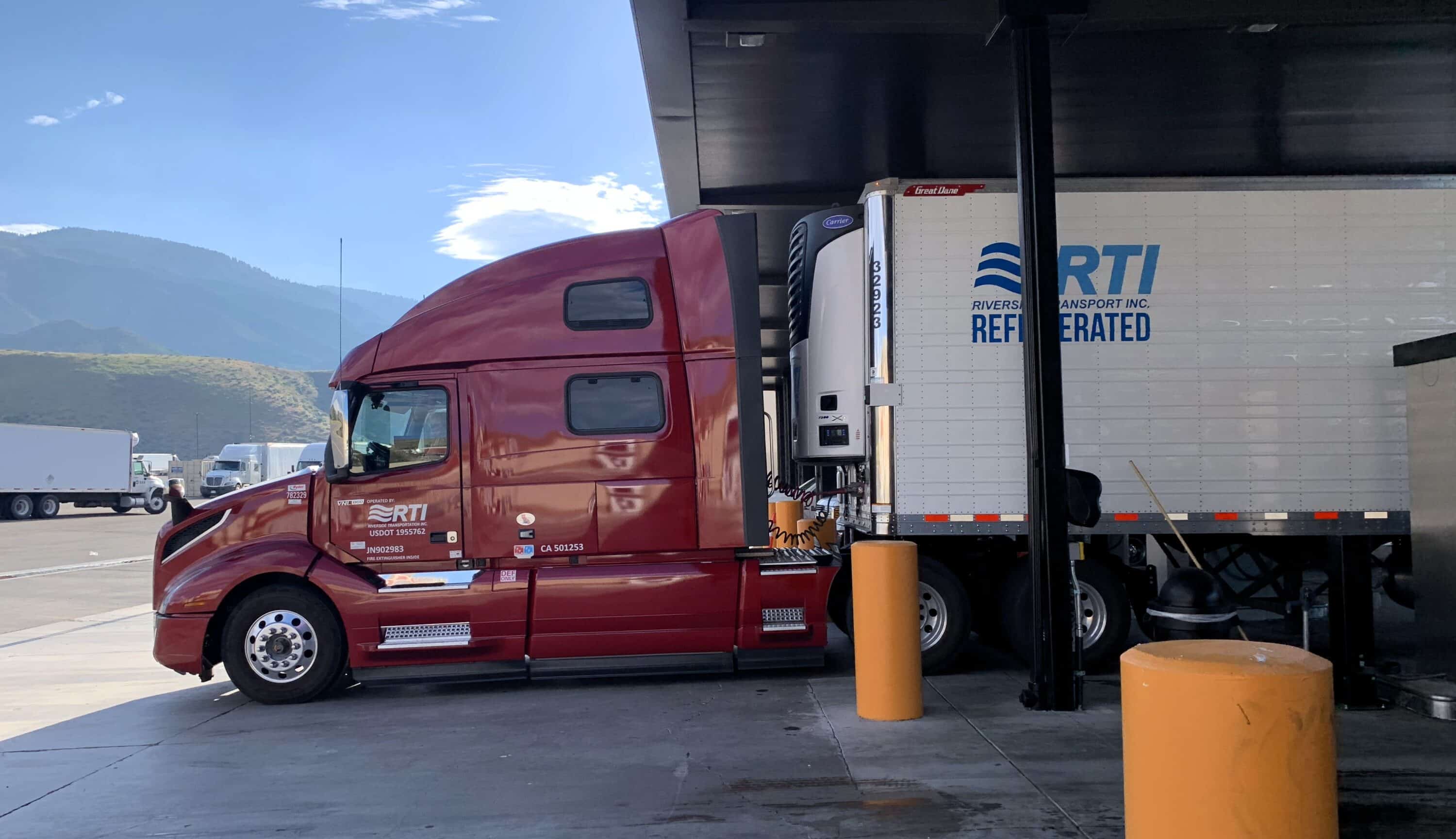
The Difference Between Driving and On-Duty Time
The 13-hour limit is simple: it is the maximum amount of time your truck can actually move during one shift. But this drive time must fit inside your 14-hour on-duty window.
As soon as you do any work — like checking your equipment, pumping fuel, or waiting at a dock — your 14-hour clock starts ticking. Once you reach the end of that 14-hour limit, you cannot drive your commercial vehicle anymore. This is true even if you only drove for five hours that day. Additionally, you cannot drive after 16 hours have elapsed since the end of your last core rest period, regardless of how many on-duty hours you have left.
Managing the Daily Off-Duty Requirement
In Canada, you must take at least 10 hours of off-duty time every day. While 8 of those hours must be taken in one consecutive block to reset your shift, the remaining 2 hours can be taken in increments of no less than 30 minutes throughout the day. This requires more careful planning than simpler systems, as you must account for these extra rest periods to stay compliant with the 24-hour daily window.
Local Rules and Territorial Exceptions
Rules change significantly if you operate in the north. For drivers operating North of 60, the limits are extended to allow for the vast distances and harsh conditions: drivers can drive up to 15 hours within an 18-hour on-duty window. Also, similar to the 16-hour rule in the South, you cannot drive after 20 hours have elapsed since the end of your last core rest period, regardless of how much driving time you have left.
Knowing how these clocks work together is the foundation of a legal logbook. Without a strong grip on these basic rules, even the best electronic logging software cannot stop you from getting a costly violation during a roadside inspection.
Managing Cycles and the 70/120-Hour Rolling Limit

Beyond your daily limits, federal rules require you to manage your cycles and monitor your total weekly workload. Keeping track of these numbers ensures you remain legal over the course of a long dispatch.
The Weekly Cycle Limits
To prevent extreme long-term fatigue, regulations cap your total working hours over a rolling period. Carriers in Canada must choose one of two cycles:
- Cycle 1. You cannot drive after reaching 70 hours of on-duty time in any 7 straight days.
- Cycle 2. You cannot drive after reaching 120 hours of on-duty time in any 14 straight days. If you use Cycle 2, you are also required to take at least 24 consecutive hours off-duty before you reach your 70th hour of on-duty time.
Once you hit these limits, you must stop driving. You can only get behind the wheel again as your older on-duty hours drop off the back end of the rolling 7 or 14-day period.
The Cycle Reset
Instead of waiting for hours to roll off day by day, you can choose to reset your cycle completely.
- Taking 36 consecutive hours off-duty resets Cycle 1 back to zero.
- Taking 72 consecutive hours off-duty resets Cycle 2 back to zero.
Smart fleets treat the cycle reset as a powerful productivity tool. Drivers often schedule these resets during weekend layovers or extended wait times at receivers, allowing them to start a fresh work week with maximum available hours.
These limits might seem restrictive when you are trying to deliver a load, but they exist to prevent severe driver fatigue. Pushing past these boundaries carries heavy financial fines and legal consequences that can instantly ruin a driving career.

Moving Beyond Basics: Tools for Seamless HOS Management
Knowing the rules is your job, but calculating them manually while navigating a heavy truck through a winter storm is exhausting. Modern compliance software should handle the heavy lifting for you. The best systems include advanced features that actively improve your daily driving experience.
- Predictive violation alerts. A high-quality logging system does the math for you in real-time. Instead of just showing a red error screen after you break a rule, the software gives you proactive warnings. It will trigger audio and visual alerts 30 or 60 minutes before you run out of your 13-hour drive time or hit your 14-hour on-duty limit. This gives you plenty of time to find a safe truck stop or rest area before you log a violation.
- Robust offline sync. Trucking in Canada often takes you through remote areas with zero cellular service. When you lose cell signal, your hardware must continue to record your engine data locally. Once you drive back into a coverage area, the system needs to sync that stored data to the cloud automatically. If a cheap device drops data during a cell outage, it creates blank gaps in your log. To an auditor, those missing gaps look exactly like illegal log falsification.
- One-click inspection mode. When you get pulled over at a scale, you want the process to be fast and simple. A premium system offers a simplified inspection interface. With just one click, you can securely transfer your data files directly to the officer’s computer via the mandated Canadian email or local transfer methods. The software should also lock your screen during this process, protecting your private fleet routing information from the inspector’s view.
These advanced tools are not strictly required by law, but they make a massive difference on the road. Features like predictive alerts and seamless data transfers separate highly profitable, low-stress fleets from those that waste hours fighting with technical glitches.
Utilizing Sleeper Berth Splits to Pause the 14-Hour Clock
Normally, your 14-hour on-duty window is a continuous clock that you cannot stop once the workday begins. However, Transport Canada provides a specific exception called the split-sleeper berth provision. This rule gives you the flexibility to divide your required 10 hours of daily off-duty rest into two separate shifts. By doing this correctly, you actually pause your 14-hour on-duty and 16-hour elapsed clocks during these rest periods, helping you maximize the productive hours a day you can safely work.
The Math Behind the Splits
To use this rule south of 60°N, you must divide your rest into two distinct blocks that add up to your required 10 hours. Unlike simpler systems, Canadian rules require that both periods be spent in the sleeper berth for a single driver to qualify for the split.
|
Split Type |
Main Rest Period |
Secondary Rest Period |
Key Requirement |
|
Standard Split |
8+ hours (Sleeper Berth) |
2+ hours (Sleeper Berth) |
The two periods combined must total at least 10 hours. |
|
Flexible Split |
Any combination (e.g., 5/5, 6/4, 7/3) |
Any combination (Minimum 2 hours) |
Both periods must be in the sleeper berth; total must be at least 10 hours. |
A Practical Road Application
Imagine you arrive at a busy warehouse and learn it will take three hours to get a dock door. If you stay logged as On-Duty, you burn three valuable hours of your workday just sitting in the parking lot.
Instead, you can climb into the back of the truck and log that wait time as the shorter portion (at least 2 hours) of your split rest in the sleeper berth. This action legally pauses your 14-hour on-duty and 16-hour elapsed clocks. Once unloaded, you can finish your drive and simply take the remaining portion of your 10-hour total in the sleeper berth later that night.
While the split-sleeper concept is incredibly helpful for navigating long detention times, the math is complex because you must ensure you don’t exceed the 13-hour driving limit in the periods immediately before and after each rest block. A certified Canadian electronic logging device will calculate these splits automatically, showing you exactly how much driving time you have left without requiring you to guess.

Why Low-Quality Hardware Leads to HOS Violations
Knowing the rules is just the first step in compliance. Your equipment must actually record your time accurately. Many drivers attempt to save money upfront by purchasing the cheapest device available, but this decision frequently causes expensive regulatory failures out on the road.
Relying on discount hardware exposes your operation to several severe compliance risks under the Technical Standard 1.3 framework:
- Constant connection drops. Cheap devices usually rely on low-tier Bluetooth components to link the physical engine hardware to your display tablet. As your truck travels down the highway, these weak wireless connections frequently drop the digital signal entirely.
- Unassigned driving errors. When the hardware loses connection with your tablet, it keeps recording the truck’s movement but no longer knows who is driving. This creates an “Unassigned Driving” error. If you fail to catch and fix this, an NSC inspector will cite you for a false or incomplete logbook.
- Targeted audit risks. Modern auditing software is programmed to scan your transferred data files specifically for wireless connection drops and missing data gaps that violate the synchronization requirements.
- Costly Out of Service orders. A logbook filled with missing gaps and unassigned miles proves to an auditor that your system is unstable. Under the National Safety Code, this often triggers a deeper, more aggressive facility audit.
Ultimately, the upfront savings of a cheap device disappear the moment a safety officer issues a heavy fine — often reaching $1,000 for drivers and $2,000 for carriers — or places you Out of Service simply because your hardware failed to record your day properly.

Leveraging Telematics for Operational Profitability
Many drivers and fleet managers view their compliance system purely as a mandatory regulatory expense. However, an electronic logging device provides a significant return on investment when utilized correctly. By pulling deep data directly from the vehicle’s engine, advanced telematics platforms offer tools that actively save money and improve daily dispatching efficiency.
Cutting Fuel Costs with Idle Monitoring
One of the largest hidden expenses in commercial trucking is excessive engine idling. When a truck runs for hours without moving, it burns expensive fuel and puts unnecessary wear on internal engine components. High-quality compliance software tracks this exact metric, generating detailed idle time reports. By identifying and reducing unnecessary idling across the fleet, carriers can instantly lower their weekly fuel bills and extend the lifespan of their equipment.
Proactive Preventative Maintenance
A sudden roadside breakdown ruins your schedule and eats directly into your profit margins. To prevent this, premium hardware reads Diagnostic Trouble Codes (DTCs) straight from the engine control module in real-time. If the truck detects a mechanical fault, the system immediately sends an alert to both the driver and the maintenance team. Catching these minor engine issues early allows you to schedule repairs safely at a shop, avoiding expensive emergency towing fees and missed delivery windows.
Streamlining IFTA and Route Tracking
Calculating quarterly fuel taxes by hand takes hours of frustrating administrative work. Because your telematics device features precise GPS integration, it automatically tracks the exact distance driven within each province or state. This automated jurisdictional tracking allows back-office staff to generate highly accurate International Fuel Tax Agreement (IFTA) reports with ease. Furthermore, real-time location tracking helps dispatchers provide accurate arrival times to waiting customers.
When a compliance platform includes these advanced operational tools, it stops being a forced regulatory burden. Instead, it transforms into a highly profitable business asset that helps fleets reduce waste and manage their daily workflows efficiently.
Why HOS247 is the Stable Solution for HOS Tracking
When fleets decide to switch from a failing provider, they need a system built to withstand the physical realities of the road and the strict digital demands of modern apps. HOS247 provides the exact combination of rugged hardware, transparent business practices, and dedicated support that modern trucking companies require.
Partnering with HOS247 delivers several distinct operational advantages:
- Engineered hardware stability. Our proprietary telematics devices are specifically engineered to maintain a constant, unbreakable Bluetooth handshake with the mobile application. This completely prevents the data loss and unassigned driving errors that frequently trigger National Safety Code (NSC) audits.
- Regular compliance updates. The HOS247 system is updated periodically on how many hours a day can a commercial driver drive, when they need rest breaks, when an exception applies, etc.
- A driver-first design. We built our interface directly around driver feedback. Large touch targets, clear status indicators, and a dedicated night mode make daily logging entirely frictionless.
- Multilingual human support. Commercial driving happens every day of the week, and technical questions do not pause for the weekend. Our top-tier support team is available seven days a week, providing expert, live help in English, Spanish, Russian, and Polish.
- No-contract freedom. Unlike companies that subsidize cheap hardware by trapping fleets in restrictive multi-year data agreements, HOS247 offers flexible, month-to-month plans. This gives your business complete operational freedom without the threat of hidden fees or early cancellation penalties.
HOS247 stands as the partner of choice for drivers and fleet managers who prioritize continuous uptime, honest business practices, and a system that simply works exactly as promised.
Frequently Asked Questions: How Many Hours Can a Commercial Truck Driver Drive?
Keeping these direct answers top-of-mind ensures you can plan your routes effectively and handle roadside questioning from safety officials with complete confidence.

Secure Your Future with Reliable Compliance
Operating a commercial motor vehicle requires an exact understanding of federal limits. A single math error or a dropped connection can result in severe fines, a damaged safety score, and costly Out of Service orders.
By mastering exactly how many hours can a commercial driver drive, you protect your professional driving career and your company’s operating authority. However, knowing the rules is useless if your technology fails to record your time accurately. You need a stable compliance system that acts as a dependable digital partner on the road.
Stop struggling with unreliable hardware, dropped wireless connections, and frustrating customer support. Schedule a demo or start your no-contract trial with HOS247 today to experience a premium tracking system built specifically for the demands of the modern commercial fleet.
A Note to Our Readers on Compliance
This article is intended for informational and educational purposes only. It is not a substitute for official regulatory guidance or legal advice. HOS and ELD regulations are complex and subject to change and interpretation by enforcement authorities. Please always refer to official sources for the most current and accurate information.

As an expert in B2B and B2C sales, I’ve dedicated myself to perfecting sales processes and client retention strategies in the logistics and trucking industry. I have significantly contributed to the expansion of the ELD service, catering to retail and wholesale clients in need of HOS247 ELD solutions. My unwavering commitment to implementing state-of-the-art sales techniques and technologies ensures the continuous growth and success of businesses I work with.









In the trucking industry, the efficient management and safeguarding of assets are crucial. As businesses grow and operations expand across regions, the ability to keep track of movable and fixed assets—be it equipment, vehicles, or even high-value goods—becomes a core
Managing assets effectively is key to running a successful trucking operation in Canada. With vehicles spread out across the country, companies need reliable tools to track their fleet, stay in control, and make smart decisions. GPS fleet tracking systems have

You’ve got enough on your mind when you’re rolling down the highway. The last thing you need is the headache of complicated logging systems or the stress of a Transport Canada inspection. Whether you’re a seasoned pro or new to